
Head Office
13 Water Cresent, Washington, MA, 21831
International Office India
A-4, Sector 4 Noida, 201301

San Francisco, California · WordPress Development
Techlooker builds WordPress websites for San Francisco and Bay Area companies that need a marketing site their own team can run: fast pages, clean CRM and analytics integrations, solid security and SEO built in. We work with teams from SoMa to San Jose remotely, through research, video calls and a shared staging site, so your engineers stay focused on the product.
The short answer
Bay Area startups and scale-ups that need a marketing site separate from the product, plus biotech and life-science firms, fintech and professional services companies, nonprofits and local businesses competing with well-funded neighbours.
WordPress marketing sites, block-based design systems, headless builds where they make sense, CRM and analytics integrations, performance and security work, migrations and technical SEO.
Remotely, alongside your marketing and engineering teams. Code lives in version control, every change goes through a staging site, and you get written updates plus video reviews at each milestone.
San Francisco and the wider Bay Area: the Peninsula, Silicon Valley, the East Bay and Marin, including Oakland, Berkeley, Palo Alto, Mountain View and San Jose.
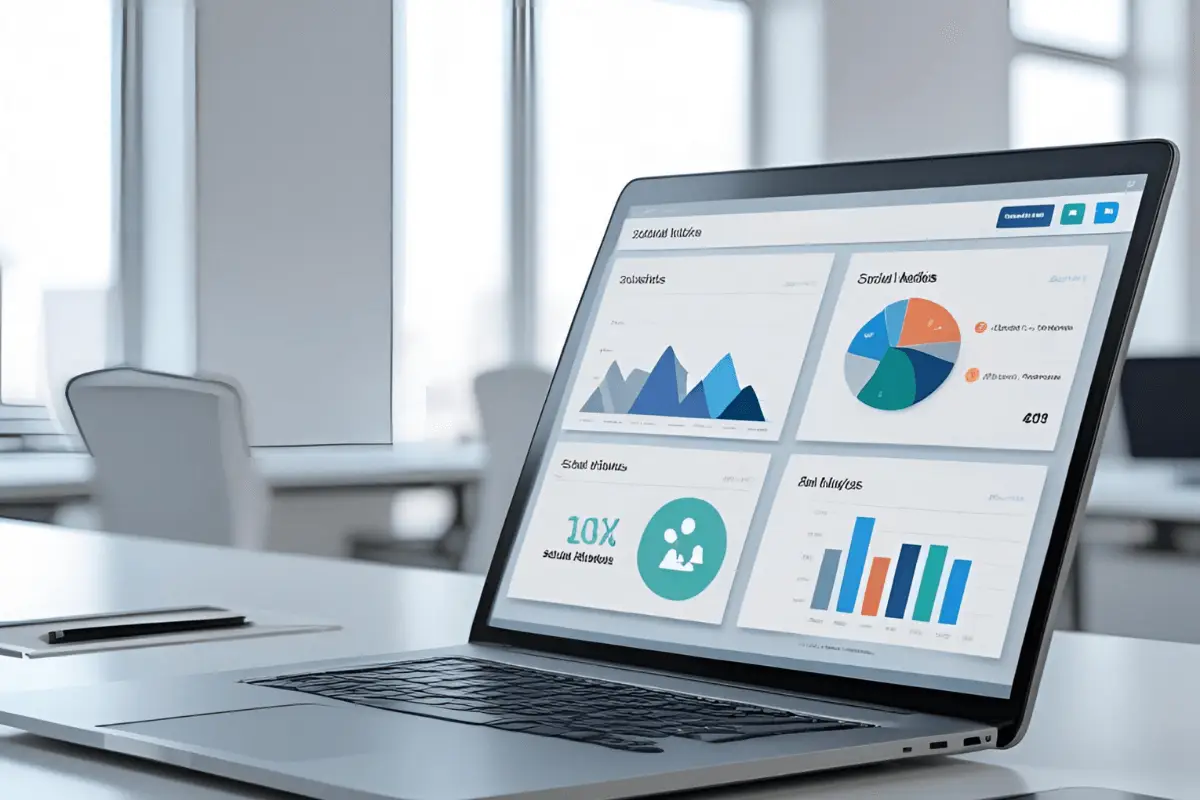
Websites for San Francisco businesses
In San Francisco the product usually gets the engineering time and the marketing site gets whatever is left. WordPress fixes that split: marketers publish pages, case studies and launch posts themselves, while developers keep the codebase tidy.
Buyers here research thoroughly before they talk to sales. They read documentation, compare pricing pages, look for security and compliance information and ask AI assistants for shortlists. Your site needs clear product pages, quick load times and structured content that search engines and AI tools can understand, without a ticket in the engineering backlog every time the copy changes.
Enterprise prospects often send security questionnaires before they sign, and a marketing site running outdated plugins is an easy thing for them to flag. We keep the plugin footprint small, harden logins and schedule updates. California accessibility and privacy rules apply to B2B sites too, so forms, cookie consent and WCAG 2.2 basics are part of the build rather than an afterthought.

Feature pages, comparison tables and pricing layouts built as reusable blocks, so launches and plan changes take hours rather than sprints.
A decoupled front end built with Next.js or another framework can suit complex apps. For most marketing sites, a well-built traditional theme ships faster and costs less to run. We help you choose.
Forms that pass leads to HubSpot or Salesforce, product analytics, consent management and tag managers, set up so data arrives intact and pages stay fast.
Resource libraries, webinar pages, gated content and changelogs organized with custom post types so they are easy to filter, search and link internally.
A minimal plugin set, least-privilege user roles, two-factor logins, scheduled updates and backups, so the website is not the weak point in an enterprise review.
Answer-first copy, schema markup and logical headings help your pages appear in Google AI Overviews, ChatGPT and Perplexity when buyers research your category.
Our services
Start with the piece you need now. Many Bay Area projects combine a rebuild with integrations and an SEO foundation, and each card links to the full service page.
Marketing sites and resource hubs built on clean, documented code, with custom post types and blocks that match how your team publishes.
WordPress website development →Design systems translated into WordPress blocks, so every new page stays on brand without a designer rebuilding it each time.
Custom WordPress design →Core Web Vitals fixes for script-heavy marketing sites: tag manager clean-up, image delivery, caching, fonts and hosting configuration.
WordPress speed optimization →Hardening, monitoring, updates and backups that keep your site off the list of findings in a customer’s security review.
WordPress security services →Moves from Webflow, Squarespace, Wix, Drupal or a custom CMS, with content mapping and 301 redirects that protect existing rankings.
WordPress migration services →Technical SEO built into templates: schema, internal linking, clean URLs, indexation control and fast pages for competitive B2B searches.
WordPress SEO services →Lead capture that flows into Salesforce with the right source data, plus deeper CRM work from our Salesforce team when you need it.
Salesforce development →Online stores for Bay Area consumer brands, specialty food producers and makers, connected to inventory, shipping and accounting tools.
WooCommerce development →Industries
The Bay Area economy is broader than software. These are the sectors where a strong WordPress site most often pays for itself, with dedicated pages where we have them.
A seed-stage AI company needs a credible site quickly, with room to grow into docs and careers pages. A life-science firm needs careful product claims, investor information and a recruiting section. A nonprofit needs donation flows and an events calendar that volunteers can update. We scope each project around what your organization actually does rather than a one-size template.

How it works
Built to fit around a busy product team: clear owners, short feedback loops and nothing deployed without a review.
If you have in-house engineers, we can work in your Git repository and follow your pull-request process. If you do not, we manage the code ourselves and hand over documentation at launch, so you are never locked in to us.
We review your current site, analytics, integrations and hosting, then agree goals, owners and success metrics with your team.
Page types, custom post types and taxonomies are planned around how buyers research, from product pages to resources and careers.
Your brand becomes a library of reusable WordPress blocks, so marketers can assemble new pages without breaking the design.
Development in version control with a staging site, CRM and analytics integrations, and testing for speed, accessibility and security.
Redirects, tracking and Search Console checks on launch day, editor training for your team and optional ongoing support.
Choosing a stack
Bay Area teams often debate the stack before they debate the content. Here is a plain comparison of the three options we are asked about most.
For most San Francisco companies, a well-built traditional WordPress site is the practical choice. Headless earns its extra cost when the same content has to power more than one front end.
FAQ
No. Techlooker works with San Francisco and Bay Area companies remotely. We run discovery and design reviews over video, share progress on a staging site and task board, and can work inside your own tools such as Slack, Jira or GitHub if that suits your team better.
Both can work. WordPress tends to win when you need complex content types, many integrations, multiple languages, full code ownership or a large resource library. Webflow suits small, design-led sites that rarely need custom functionality. We will give you an honest recommendation for your situation, even when the answer is not WordPress.
Yes, when it is the right fit. A headless setup uses WordPress as the content back end and a JavaScript framework for the front end, which helps when content also feeds an app or several sites. It adds hosting and maintenance overhead, so we walk you through the trade-offs before recommending it.
Yes. We connect forms, lead routing and tracking so submissions land in your CRM with the right source data attached. For deeper work such as custom objects or automation, our Salesforce team can help; see our Salesforce development services.
We cannot predict every question a reviewer will ask, but we remove the common red flags: outdated or abandoned plugins, shared admin accounts, missing two-factor login, no backups and exposed version details. We can also document how the site is secured, so your sales team has something to share with prospects.
Cost depends on the number of templates, integrations, content migration and whether you choose a traditional or headless build. Scopes vary widely between a seed-stage launch site and an enterprise marketing platform, so we do not publish fixed prices. After a free consultation you receive a written scope and quote.
That is the point of a good build. We create reusable blocks and page templates with sensible guardrails, train your editors at launch and document how everything fits together, so day-to-day publishing never waits on an engineer’s calendar.
Other locations
Teams spread across several cities can work with one WordPress partner. These pages cover the other markets we write about.
Further reading
Ready to grow on Google and in AI search?
Get a free audit of your website, rankings and AI visibility, with a clear plan for what to fix first.
Techlooker is a digital agency for businesses in the USA: SEO and AI search optimization, WordPress and mobile development, Salesforce and Power BI, handled by one team.
Email: info@techlooker.com
USA: +1 416 224 0759 · +1 647 354 9885
Head office: 13 Water Cresent, Washington, MA 21831
SEO & AI Search
SEO Services Agency AI SEO Services ChatGPT & Gemini SEO Local SEO Link Building SEO Consulting White-Label SEO WordPress SEODevelopment
WordPress Development Custom WordPress Design Speed Optimization WordPress Security WooCommerce Development WordPress Migration Mobile App DevelopmentSEO services by location
© 2026 Techlooker. All rights reserved.